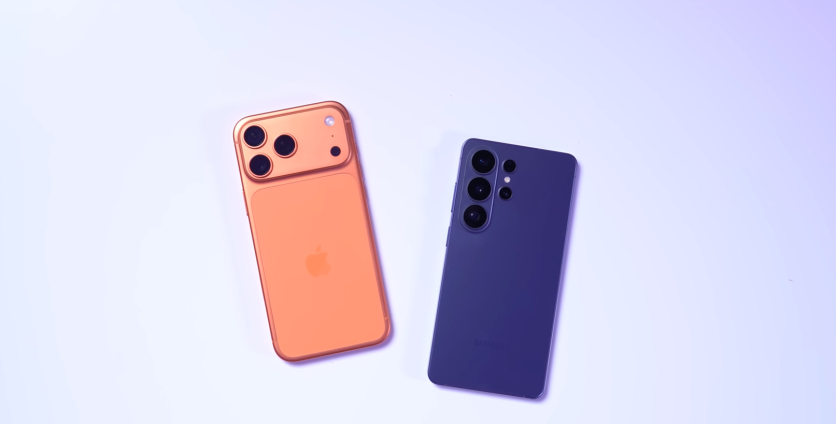
Sharing files between an iPhone and Samsung used to involve third-party apps or required sending them via instant messaging apps and available workarounds. Now, this has changed.
Samsung has recently rolled out AirDrop support through Quick Share on the Galaxy S26 series, offering an easy way for users to enjoy an interoperable file-sharing experience on their devices.
Interoperability Is Here: AirDrop over Quick Share
Quick Share is Samsung's built-in file-sharing tool, similar to how AirDrop works on Apple devices. Samsung has now added AirDrop support to Quick Share, starting with the Galaxy S26, S26+, and S26 Ultra.
This feature first appeared on Google Pixel 10 devices late last year, and the company then made it available to the Pixel 9 series.
Now, Samsung is bringing it to its own flagship lineup, but the company is expected to make it available to more Galaxy devices in the future, though no specific timeline has been announced.
How to Turn It On
Samsung has a slightly different way to operate its interoperable file-sharing tech as the feature does not turn itself on automatically for Galaxy devices.
This means that Galaxy devices do not have AirDrop support enabled by default. To turn it on, you only need to go into the S26's Quick Share settings and look for the option to "Share with Apple devices" to activate it.
How to Send a File to an iPhone
- Open Quick Share on your Galaxy S26.
- Choose the file you want to send.
- Make sure "Share with Apple devices" is turned on in the 'Quick Share' settings.
- Ask the iPhone user to set their AirDrop to "Everyone" for Galaxy devices to detect.
- Choose the specific iPhone you want to send files to.
Sending files to a Galaxy user is also simple. To get started, Galaxy S26 users need to set their Quick Share to "Everyone" for iPhone users to detect it.
After setting it up, users only need to proceed with how they would normally send files via AirDrop by selecting the Galaxy device they wish to send it to.
Where Is AirDrop Over Quick Share Available?
The rollout started in Korea and then expanded to the US last week. According to Samsung, it will soon roll out to other regions, including Europe, Hong Kong, Japan, Latin America, Southeast Asia, and Taiwan.
Users only need to wait to see if they are part of the region where AirDrop over Quick Share is already available.
ⓒ 2026 TECHTIMES.com All rights reserved. Do not reproduce without permission.


